
How to Record Your Competition Video
A good recording helps the jury hear your performance clearly and see important details of your playing. You do not necessarily need a studio: a modern smartphone, a stable support and a few simple preparations are often enough.
These recommendations apply to instrumentalists, singers and ensembles. Please check the rules for your discipline for program, memorization and accompaniment requirements.
VERTICAL RECORDING
We recommend landscape format, as it usually provides a better view of the performer and instrument. Portrait videos and YouTube Shorts are also accepted—the important thing is that the performer remains clearly visible throughout.
BACKGROUND
Choose a tidy, simple background without distracting objects. Check the entire frame before recording: removing a few unnecessary items can make a noticeable difference.
RECORDING AT HOME
You may record at home. Choose a quiet room, let others know you are recording, and turn off televisions and other sources of noise. Special decorations are unnecessary.
INTRODUCING THE PARTICIPANTS
Introduce yourself calmly and clearly, providing the information required by the competition rules. Instead of speaking, a soloist may use a printed A4 identification sheet placed on a music stand or another stable surface. Do not hold the sheet in your hands.
PLACE THE CAMERA CLOSER TO THE PERFORMER
The performer should not appear too small in the frame. Choose a view that clearly shows the face, hands and instrument. Leave enough space for bowing, bellows, trombone slide and other playing movements. Avoid digital zoom.
GOOD LIGHTING
Daylight or even artificial lighting can work well. Make sure the face and hands are clearly lit, without deep shadows or glare.
WINDOWS
Avoid placing the performer directly in front of a bright window, which may leave the face in shadow. Light should preferably come from the front or slightly to one side.
PERFORMERS USING SHEET MUSIC
If sheet music is permitted in your discipline, position the stand so that it does not hide the face, hands or instrument. For ensembles, check that every performer is visible.
PERFORMING WITH AN ACCOMPANIST
Choose an angle that clearly shows the soloist and, where possible, includes the accompanist. Check the sound balance: the accompaniment should not overpower the soloist.
Pre-recorded accompaniment is accepted only in disciplines where it is expressly permitted by the rules.
DISTANCE BETWEEN THE CAMERA AND THE PERFORMER
Consider both picture and sound. A phone placed too close may record harsh or distorted sound; too far away, it may lose detail. Use a test recording to find a suitable distance.
SOUND
Avoid conversations, footsteps, notifications and noise from nearby rooms. Excessive echo can make articulation and musical detail difficult to hear.
Test the quietest and loudest passages: the sound should remain clear, without crackling or distortion. You may use an external microphone—check that it works correctly before recording.
CAMERA HEIGHT
Position the camera at a suitable height for the performer. Avoid steep angles from above or below. For ensembles, choose a wider view that allows all performers to be observed.
TRIPOD
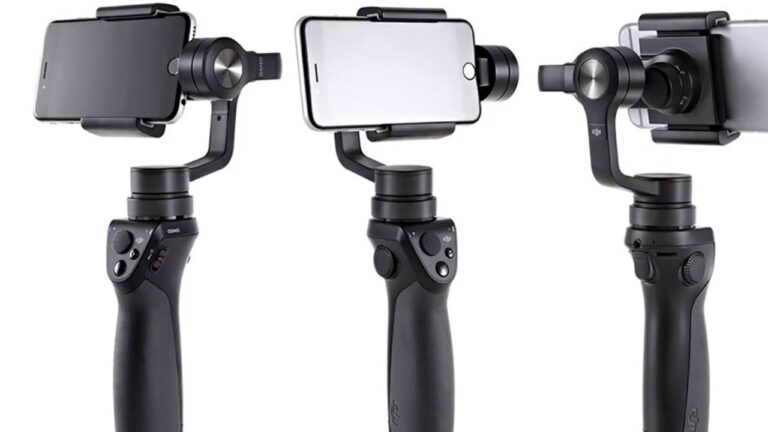
Use a tripod or another stable support. Do not move the camera or change the zoom during the performance.
1080p RECORDING AND VISUAL EFFECTS
We recommend 1080p, which usually provides a sufficiently clear picture. Avoid filters and effects that alter the presentation of your performance.
Record the complete program in one continuous take, without editing, joining separate takes or stopping the recording between pieces.
STORAGE, BATTERY AND AIRPLANE MODE
Charge the device and check available storage in advance. Enable airplane mode or disable calls and notifications. Check alarms and other devices in the room as well.
TEST RECORDING
Make a short test recording. Watch it on a larger screen and listen through headphones: are the hands and instrument clearly visible? Can you hear quiet passages? Does the accompaniment overpower the soloist?
Before submitting, review the entire competition recording and keep the original file.
APPROPRIATE APPEARANCE
Choose neat clothing suitable for the performer’s age and the occasion. It should allow you to play or sing comfortably.
FOR CONDUCTORS
The conductor and part of the orchestra or choir must be visible. For these disciplines, the rules permit externally recorded audio synchronized with the video.
The goal is a clear recording that faithfully presents your performance.